My terminal config
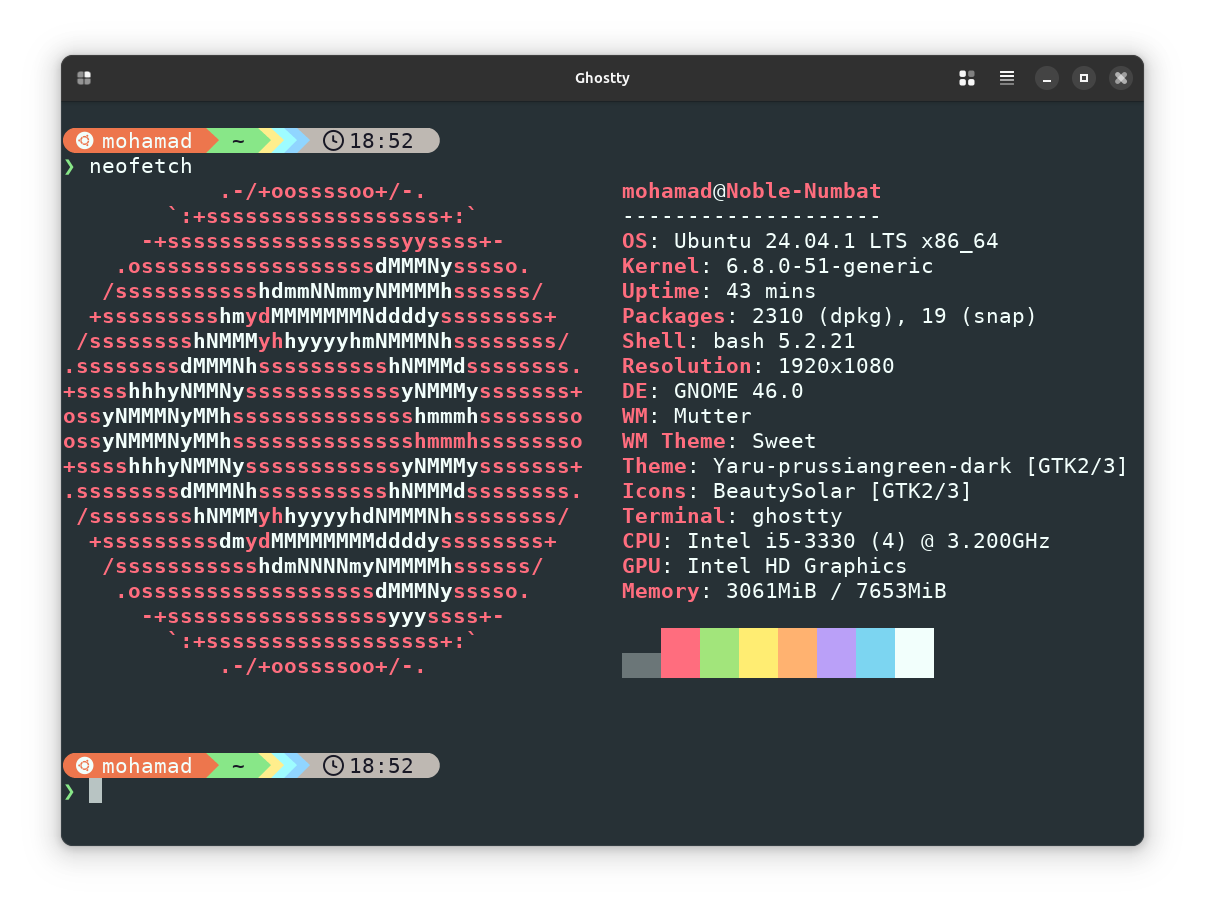
Hi there this is my terminal and now you might be asking that how did you do this and that but it is really simple here are the steps: -
-
Install starship prompt
-
Type the following command
cd .configand then typetouch starship.toml -
Install the hack nerdfont from the nerdfonts official download page and double click on it in your folder and click install.
-
After it finishes installing just go to your terminal click preferences and select hack nerd font after it is selected.
-
Copy the config I give you and open the
starship.tomlfile inside the.configfolder then copy the contents and paste then just save it. -
Then go to your
.bashrcor.zshrcor any other file for your terminal shell here is the page where you will see how to initialize starship here -
After that is done just restart your terminal or log out or log back in and you should see a terminal like me, if you are a expert you can customize this prompt too as I have made mine too match with Ubuntu
And here is the terminal config: -
And that's all there is to it!
I hope you guys enjoyed this post!